
Caption Overlay
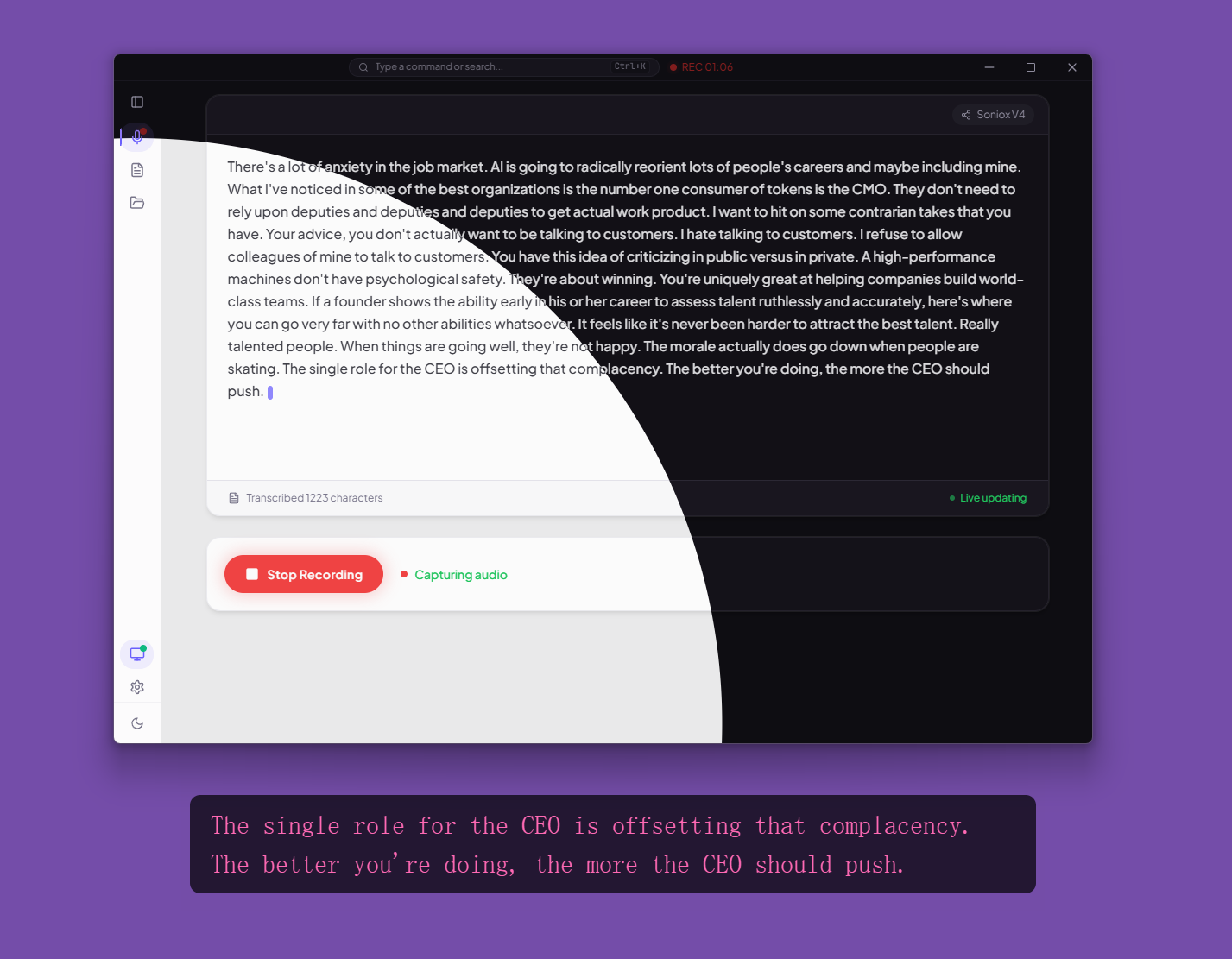
DeLive provides a floating caption window that displays real-time transcription text as an always-on-top overlay.
Features
- Always-on-top — stays visible above all other windows
- Click-through — when not interacting, mouse events pass through to windows below (Windows and macOS)
- Three display modes — source text only, translated text only, or dual-line (both)
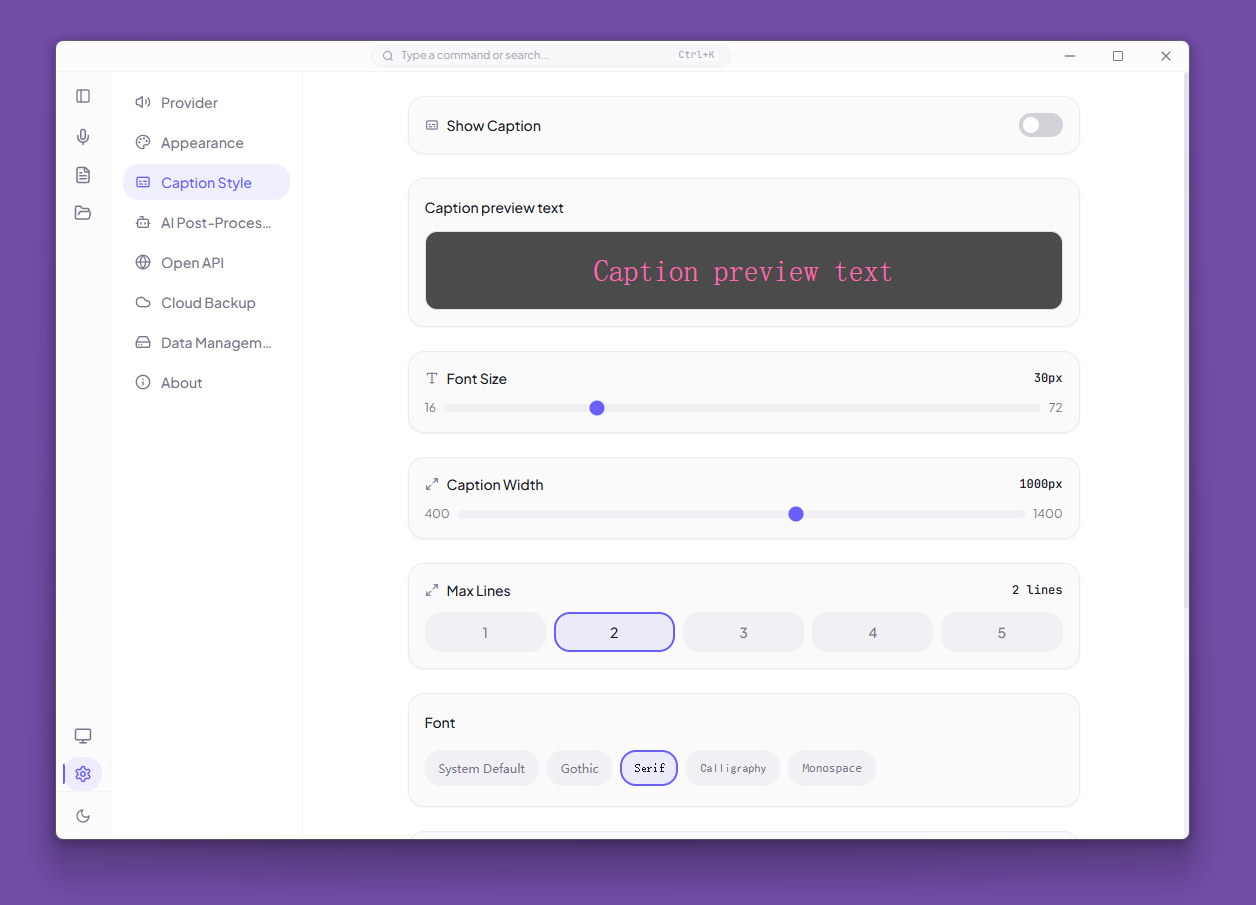
- Fully customizable — font size, font family, text color, background color, text shadow, max lines, and width
- Draggable — toggle drag mode to reposition the window
Display Modes
| Mode | Description |
|---|---|
source | Shows the original transcription text |
translated | Shows translated text only (when provider supports translation) |
dual | Shows both source and translated text in dual lines |
TIP
Translation is currently available through Soniox V5 with translationEnabled turned on. Other providers show source text only.
How It Works
- ASR provider emits transcript events (partial and final text)
CaptionBridgededuplicates and forwards text to the caption window via IPC- The caption window renders the text with the configured style
- Updates are sent only when content actually changes (dedup on stable text, active text, translated text, and
isFinalflag)
Technical Details
- The caption window is a separate
BrowserWindowwithtransparent: true(Linux uses a semi-transparent black background instead) - On Windows, a layered window trick (
backgroundColor: '#01000001') enables transparency - The window is positioned at the bottom center of the display containing the main window
- Mouse interaction detection polls cursor position every 100ms to temporarily enable interaction when the cursor enters the caption area
setFocusableis toggled to prevent the caption from stealing keyboard focus during normal use