
What is DeLive?
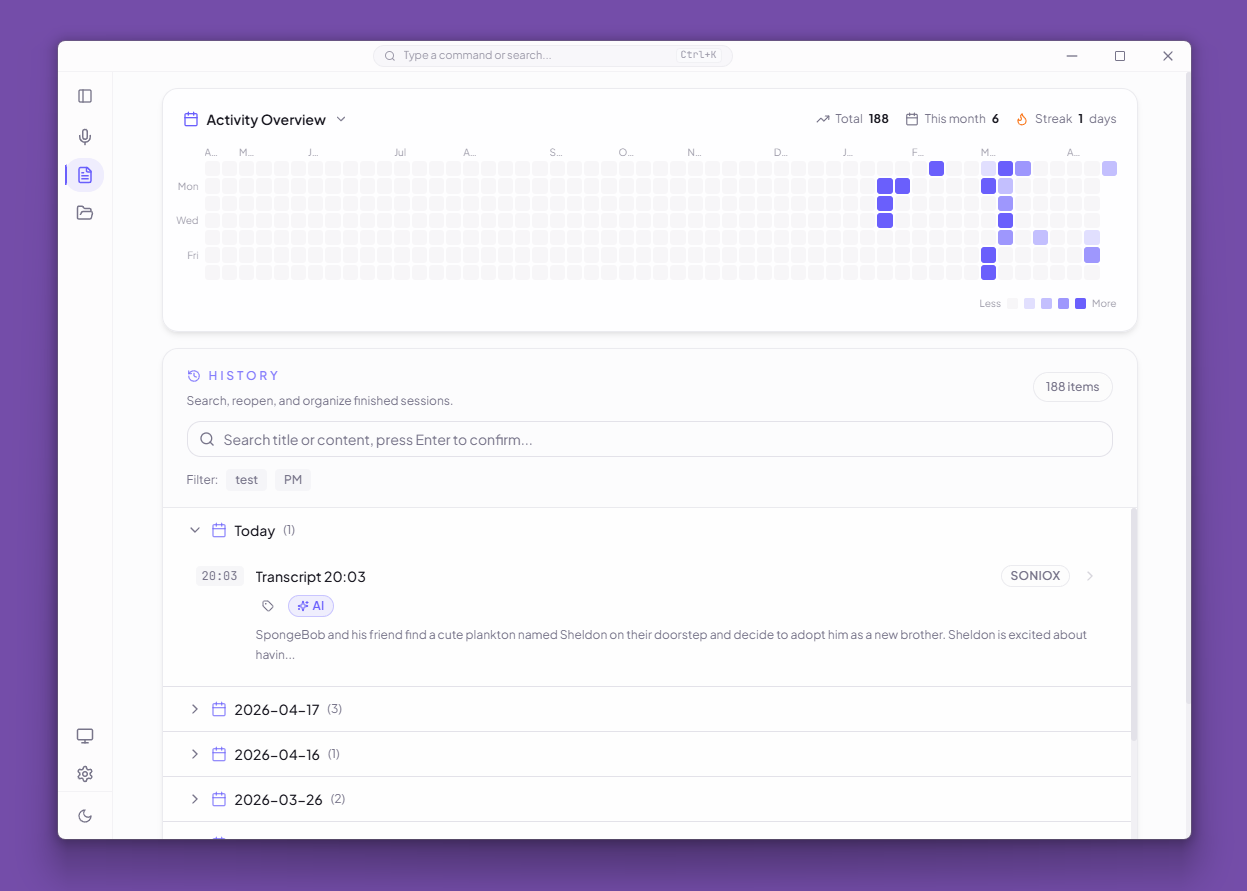
DeLive is a desktop transcription workspace that captures system audio, routes it through the ASR backend that fits the job, keeps everything on your machine, and turns completed transcripts into a searchable AI-powered review workspace.
Key Capabilities
Multi-Provider ASR
DeLive supports fourteen ASR backends behind a single unified interface. Cloud providers require an API key — see the API Key Guide for setup instructions.
| Provider | Type | Mode | Highlights |
|---|---|---|---|
| Soniox V5 | Cloud | Real-time streaming | Token-level transcription, real-time translation, bilingual captions, speaker diarization |
| Volcengine | Cloud | Real-time streaming | Chinese-oriented; embedded proxy handles required headers |
| ElevenLabs | Cloud | Real-time streaming | Scribe v2 Realtime (Standard / Turbo / Lite); 99 languages including Chinese |
| Mistral AI | Cloud | Real-time streaming | Voxtral Realtime; embedded proxy handles authorization |
| Gladia | Cloud | Real-time streaming | Live Solaria-1; file Solaria-1 or Solaria-3; 100+ languages; proxy handles session init |
| Deepgram | Cloud | Real-time streaming | Nova-3 / Nova-2 streaming ASR; best for English and multilingual |
| AssemblyAI | Cloud | Real-time streaming | Universal-3.5 Pro streaming; optimized for English |
| 60db | Cloud | Real-time streaming | ~40 languages incl. Indic + English code-switching; embedded proxy handles auth |
| Cloudflare Workers AI | Cloud | Windowed batch | Whisper-based; low cost with free tier; VAD filter |
| SiliconFlow | Cloud | Windowed batch | SenseVoice, TeleSpeech, and Qwen Omni models |
| Groq | Cloud | Windowed batch | Whisper large-v3-turbo with quasi-realtime updates |
| Local OpenAI-compatible | Local | Windowed batch | Works with Ollama or any /v1/audio/transcriptions endpoint |
| Local FunASR / SenseVoice | Local | Windowed batch | Self-hosted funasr-server; SenseVoice, Paraformer, Fun-ASR-Nano; no API cost |
| Local whisper.cpp | Local | Electron-managed runtime | Fully offline; DeLive manages the binary and model lifecycle |
File Transcription
Upload audio or video files and transcribe them with any of the fourteen providers. Cloud providers use their own file APIs; local whisper.cpp receives the file as 16 kHz mono WAV, and FunASR / SenseVoice and Local OpenAI-compatible receive it through /v1/audio/transcriptions. 60db file jobs are limited to 10 MB.
AI Review Desk
After recording, sessions open in a full-page review workspace with six tabs:
- Transcript — Timestamped segments with speaker badges, export to TXT/Markdown/SRT/VTT
- AI Correction — Quick fix (streaming rewrite) or review & fix (per-issue accept/ignore); smart text-source selection for downstream AI
- Overview — AI briefing with summary, action items, keywords, chapters, title/tag suggestions
- AI Analysis — Deep analysis powered by the configured AI model
- Chat — Multi-thread AI conversation with GFM Markdown rendering and code highlighting
- Mind Map — Generate and edit Markmap-compatible Markdown, export SVG/PNG
Open Ecosystem
DeLive exposes its data through a local API:
- REST API — 8 endpoints for sessions, topics, tags, and recording status
- WebSocket — Real-time transcript streaming at
/ws/live - MCP Server — Standalone stdio server for Claude Desktop, Cursor, and other AI agents
- Agent Skill — Structured guidance for AI agents to use DeLive's capabilities
- Agent Skills — Install the DeLive Skill and any agent can transcribe in one call, returning transcript, summary, mind map & keywords
Local-First Architecture
- Sessions stored in IndexedDB with an in-memory cache
- API keys encrypted via Electron
safeStorage - Context isolation, trusted IPC verification, CSP injection
- Open API disabled by default, localhost only, with required Bearer token authentication
Platforms
DeLive runs on Windows, macOS, and Linux.
| Platform | Formats |
|---|---|
| Windows | .exe installer, portable .exe |
| macOS | .dmg, .zip (Intel x64 and Apple Silicon arm64) |
| Linux | .AppImage, .deb |